The Analysis App for Your GMC
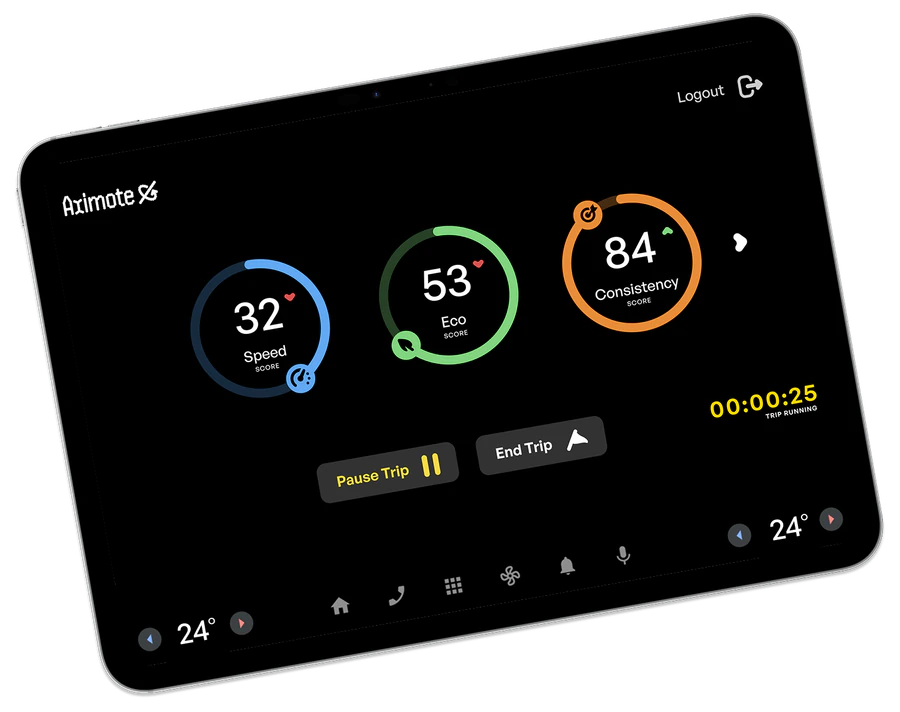
Aximote enhances your GMC's Google Built-in system with detailed insights into your driving behavior, consumption, and costs. Directly on your vehicle display and automatically synced with the mobile app. No extra hardware.


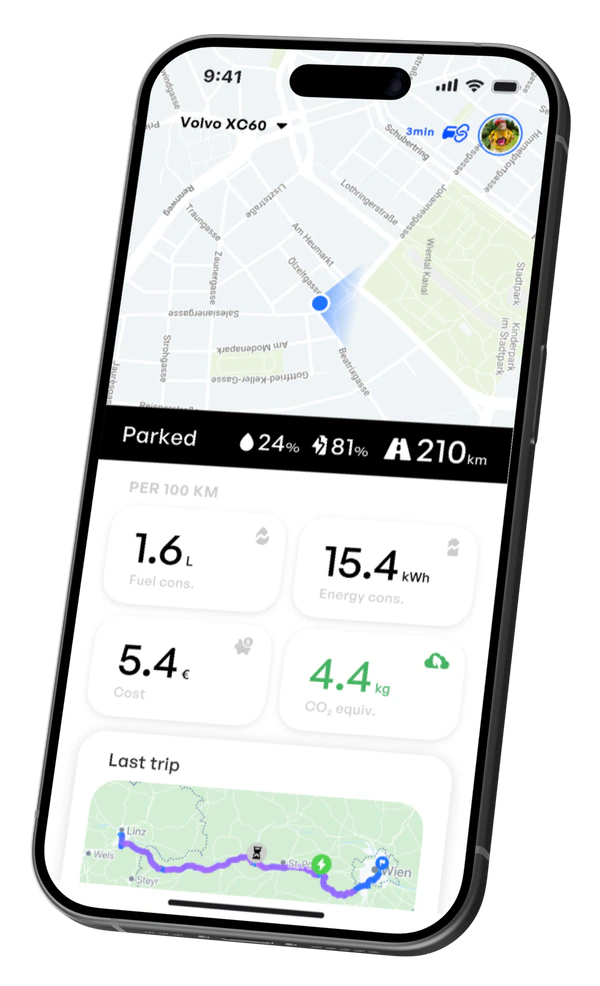
Supported GMC Models
Aximote works on GMC vehicles equipped with Google Built-in, including:
More Transparency. More Control. More Efficiency.
Aximote delivers not just data, but real added value – right in your GMC. Our features make every trip transparent, highlight savings potential and help you drive more efficiently, consciously and cost-effectively.
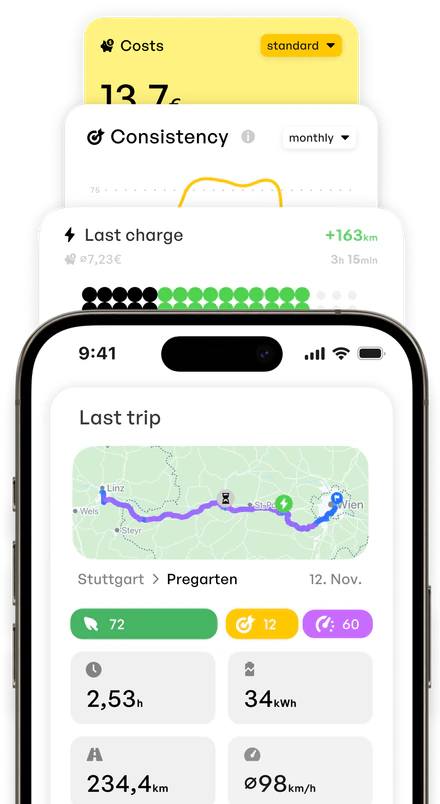
Discover your driving style
Analyze every single trip in detail – directly on your GMC display. Aximote continuously evaluates speed, consistency, efficiency and driving behavior and shows you where you're driving at your best and where there's room to improve.
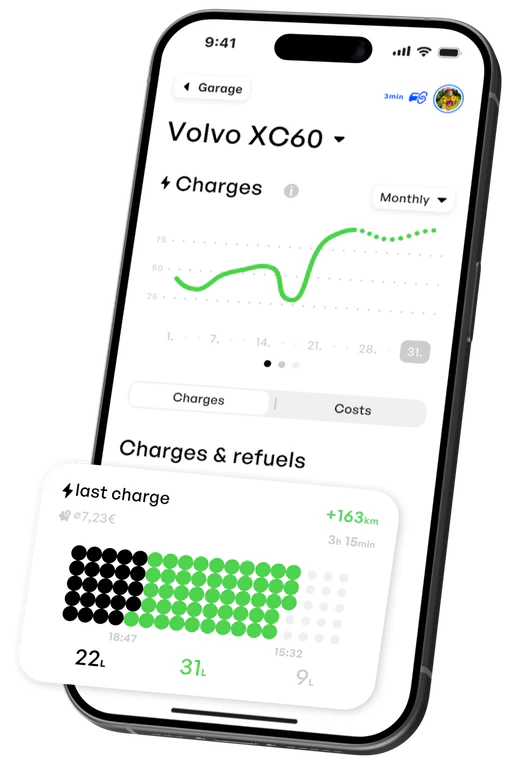
Understand charging & refueling
Keep track of all your charging and refueling events in your GMC. Aximote shows you costs, consumption, charging times and trends so you know exactly how your vehicle performs in everyday use. Aximote perfectly complements the integrated Google Maps by providing deep cost analysis and long-term trends for every charging session.
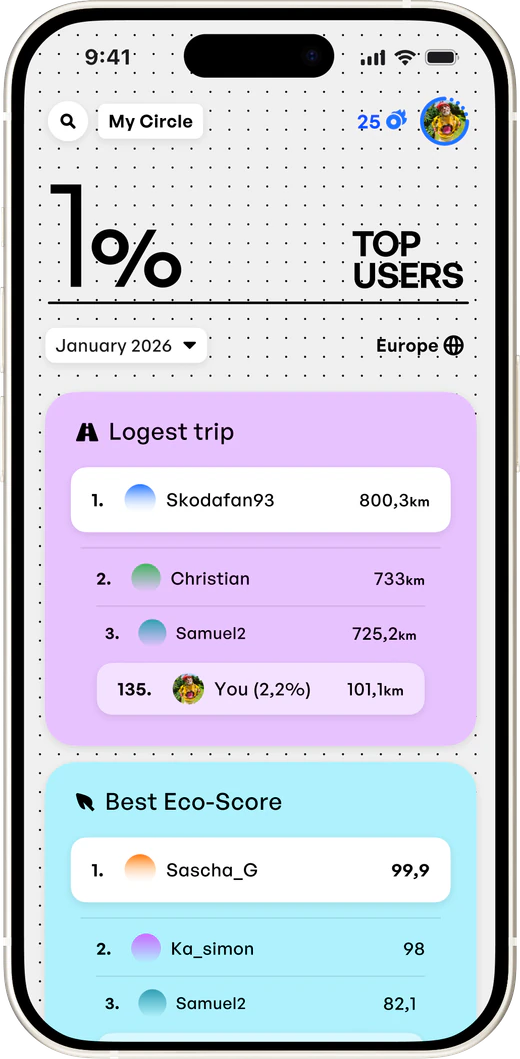
Community & Rankings
Compare yourself with other GMC drivers. See how you rank, set new personal bests and become part of an active driving community.
How It Works in Your GMC
1. Install the app on your smartphone
2. Open Google Play Store in your GMC
Install Aximote
3. Log in and start driving
Your drives are analyzed automatically and synchronized with the mobile app.
Aximote vs. the myGMC App
The myGMC App provides vehicle status and basic remote features. Aximote adds detailed trip analyses, automatic detection of charging events, and transparent cost overviews.
| myGMC App | Aximote | |
|---|---|---|
| Automatic trip recording | ||
| Detailed analysis of individual trips | — | |
| Automatic detection of charging & refueling | — | |
| Cost tracking (charging & refueling) | — | |
| Detailed charging charts & trend analysis | — | |
| Community & rankings | — |
Frequently asked questions
Aximote works in GMC models with the integrated Google Built-in system, such as Hummer EV, Sierra, Yukon and other compatible GMC vehicles. Availability may vary by region and software version.
No. The analysis runs directly in your GMC’s infotainment system with Google Built-in. The mobile app is for extended analysis, history and community features when you're not in the vehicle.
Aximote evaluates trips, charging and refueling events and consumption data to show efficiency, costs and driving behavior transparently. Only data provided by the vehicle is used.
Aximote offers a free version with basic features. In addition, you get a 14-day free trial per vehicle for all advanced features. After that you can choose a Plus or Pro subscription – or continue using the free version.
Aximote does not replace the myGMC app; it extends it. While the official app shows vehicle status and remote features, Aximote offers detailed trip analyses, cost tracking and charging evaluations. Many GMC drivers use both apps in parallel.
Start Analyzing Your GMC Today
Install Aximote directly in your vehicle and experience real-time driving insights.